Personal projects
The projects here are the ones I built for myself. Lately, my curiosity has pulled me toward learning how to actually build what I design, and using AI as a hands-on collaborator has let me close the gap between what I can imagine and what I can actually ship. Exploring that space has become one of the most exciting parts of my practice right now.
AI Agent
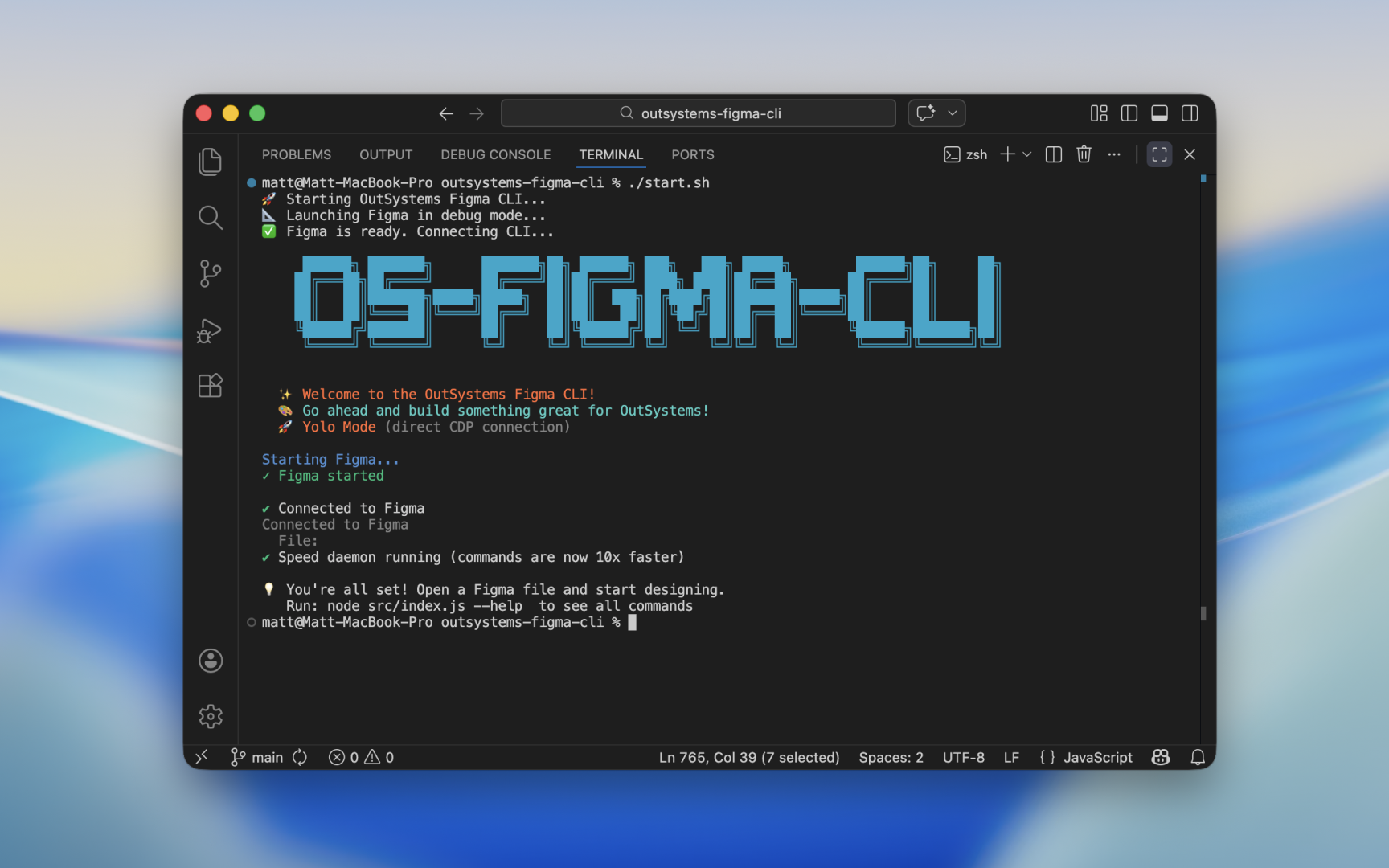
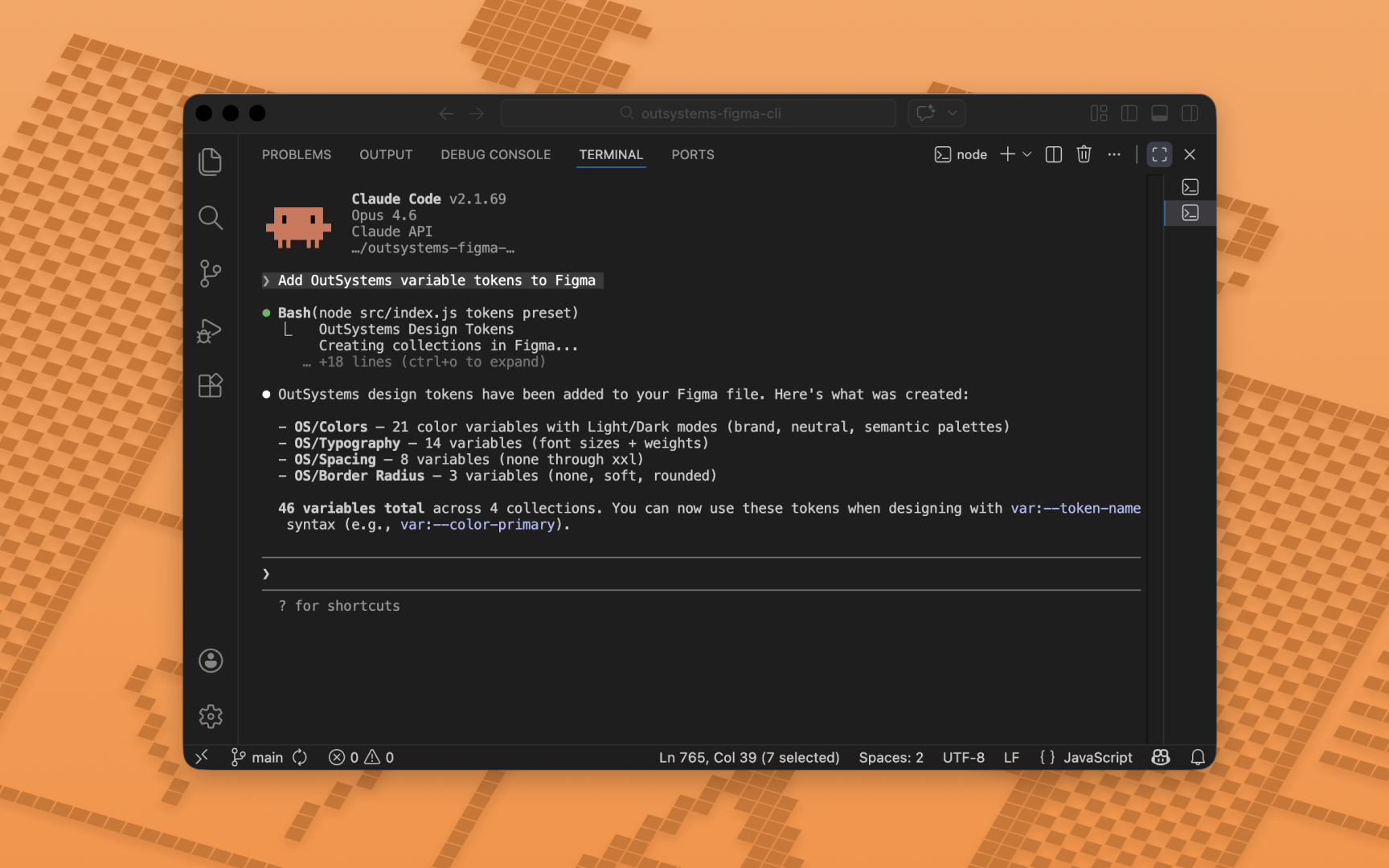
OutSystems Figma CLI
Designers working in OutSystems rarely have tooling that understands the platform's conventions out of the box. This project is a fork of Sil Bormüller's open-source figma-cli, extended and retrained specifically for OutSystems design work at PhoenixDX.
The fork adds custom component prompts and context tuned to OutSystems, along with design token rules covering both ODC and O11. Connecting it to Claude Code gives you a CLI that can create and manage Figma designs and design systems through natural language, with a working knowledge of the platform it's actually building for rather than generic web conventions.
It's an evolving project, shaped by real day-to-day design work at an OutSystems partner firm. The goal is a workflow where the tooling already speaks the language, so designers spend less time translating between Figma and OutSystems on every project.
Website
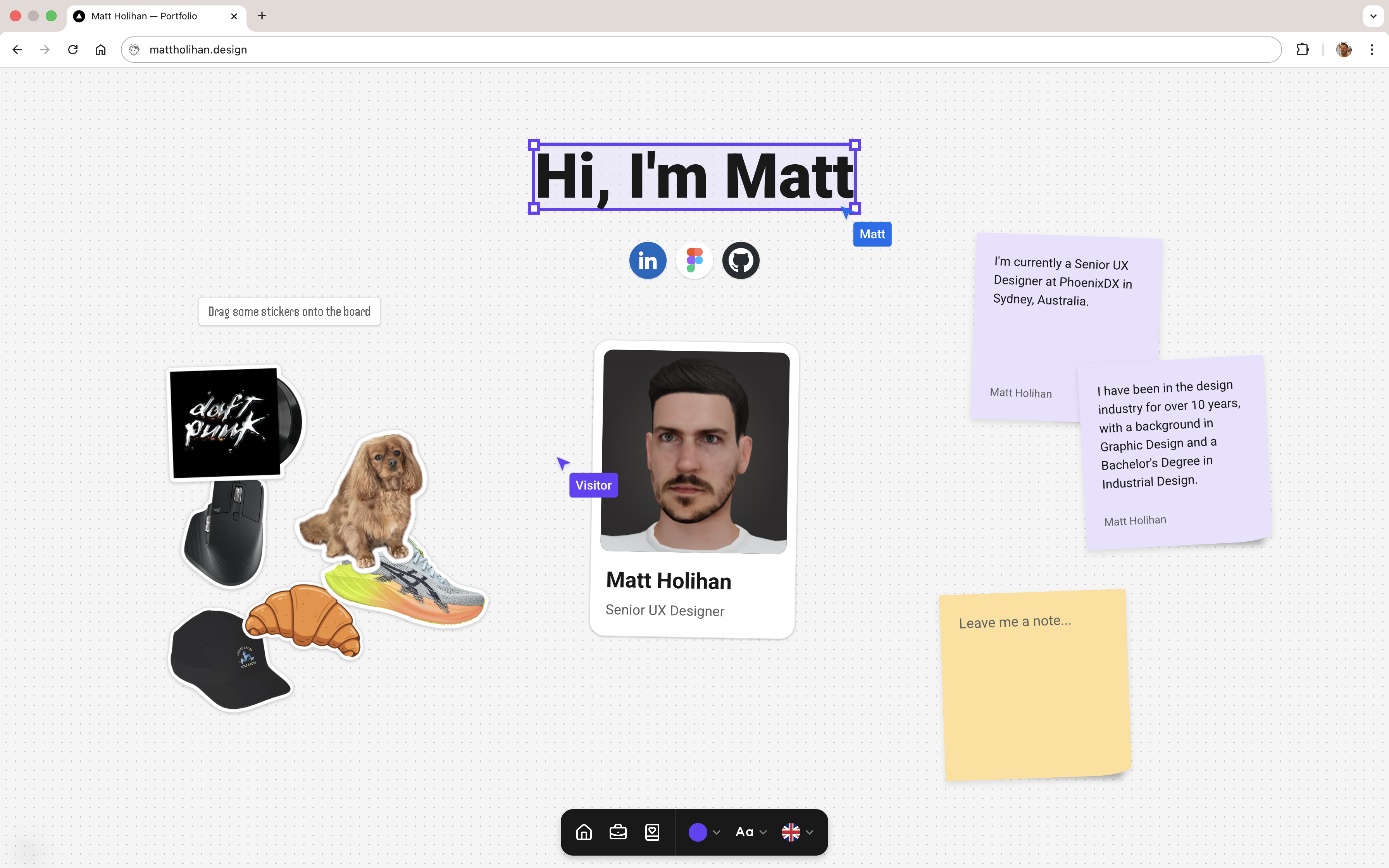
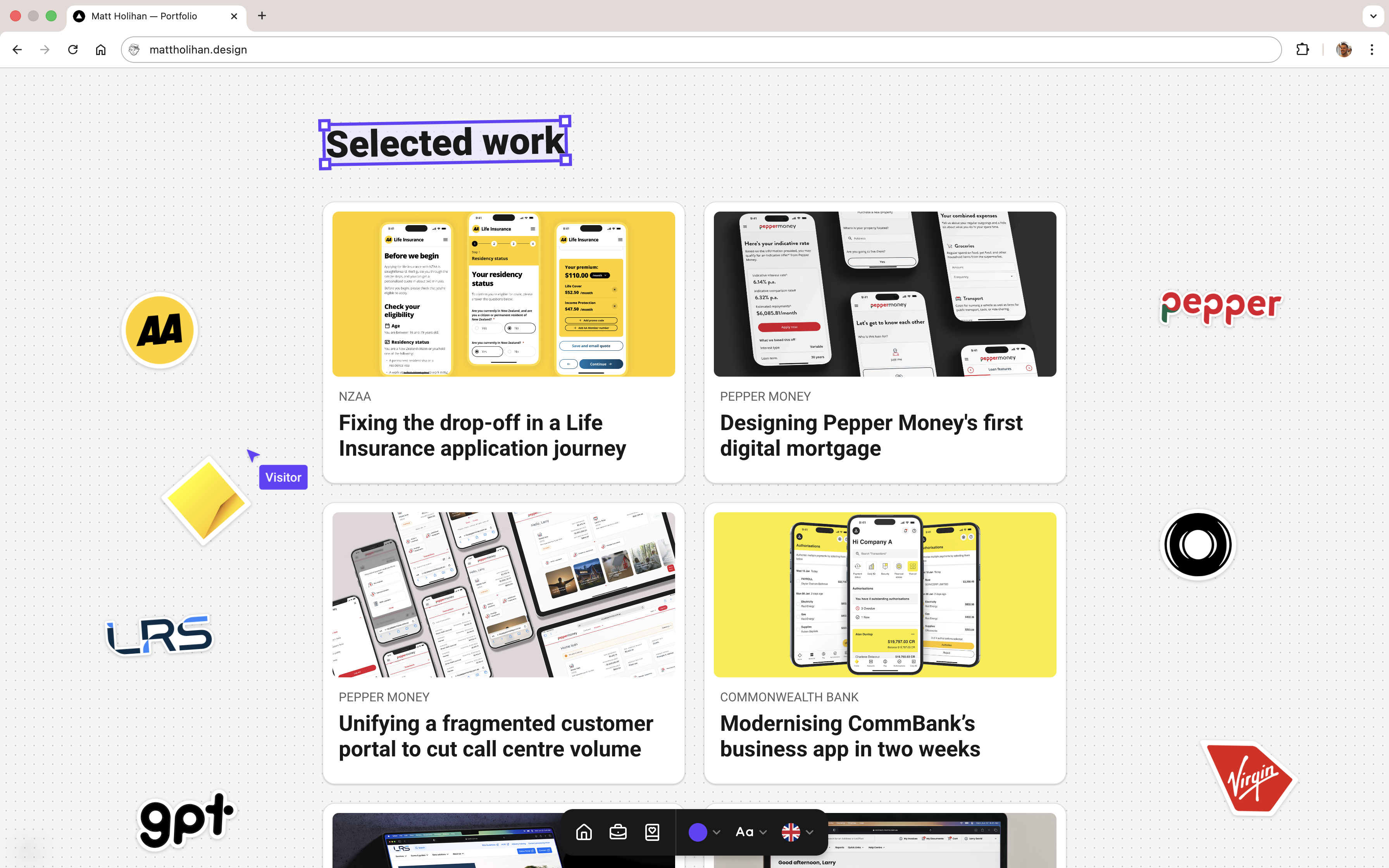
mattholihan.design
Building this portfolio came from a frustration with solutions that just about get the job done. I wanted something genuinely interactive rather than another off-the-shelf presence, so every component was built to respond, whether to user movement or simple curiosity.
The stack, Next.js 15 and Framer Motion, gave me the performance ceiling I needed, including seamless multilingual support powered by the DeepL API. I treated AI as a proper collaborator throughout, using the Google Antigravity IDE and structured "Agent Directives" to automate the tedious parts of file generation and coordinate mapping. That freed me up to focus on the UX decisions that actually matter.
Figma Plugin
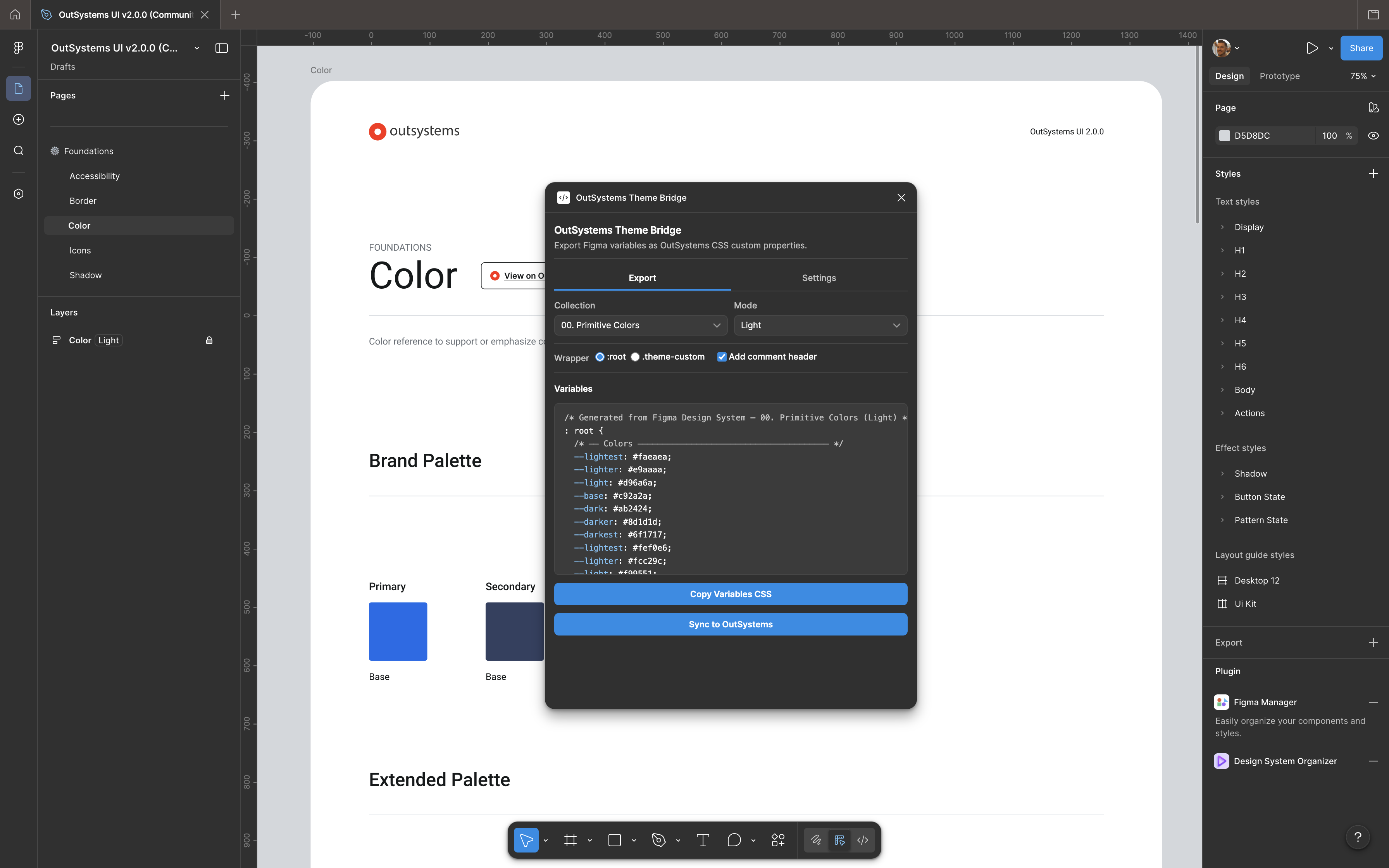
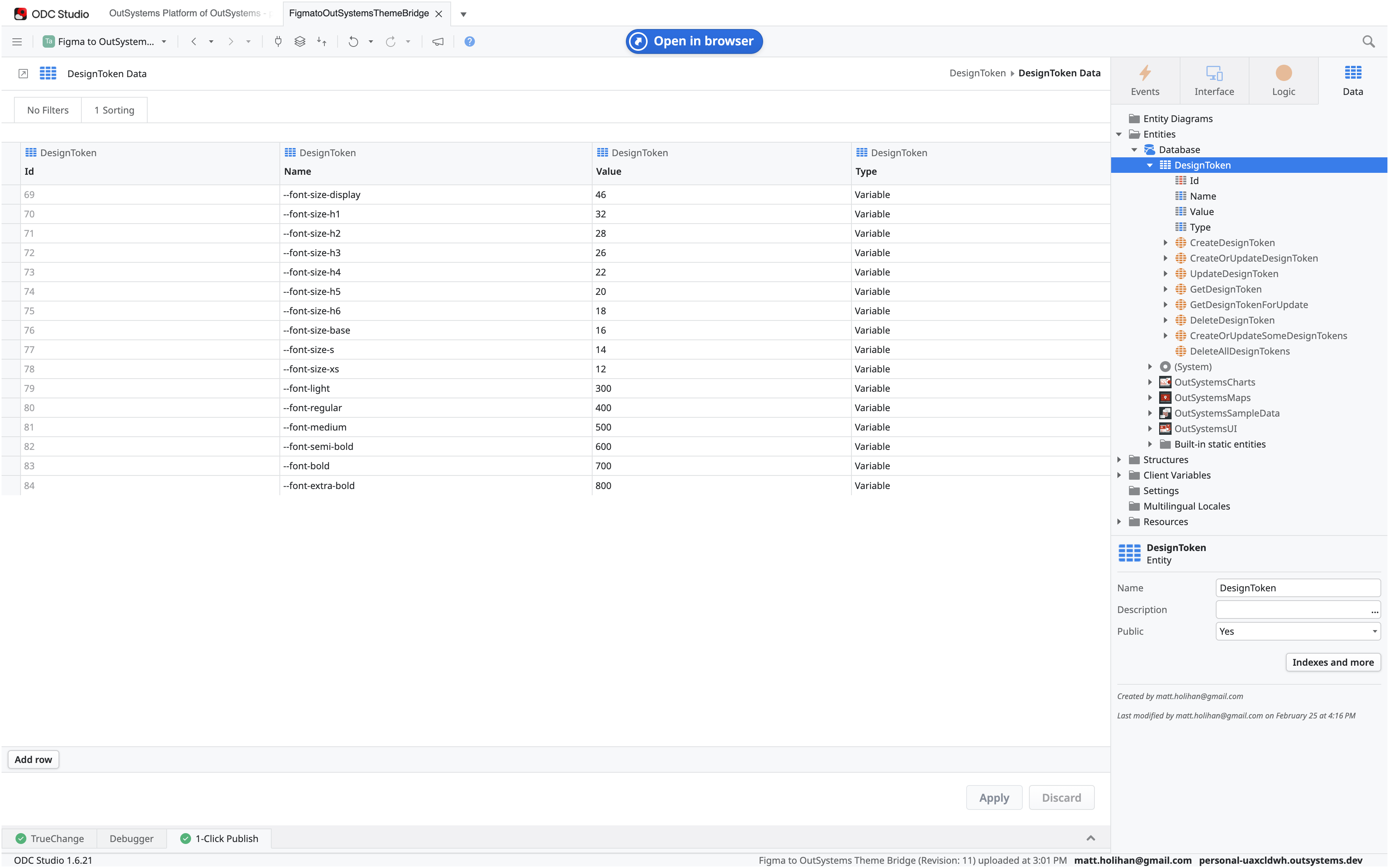
OutSystems Theme Bridge
Working as a designer at an OutSystems partner firm, I kept running into the same problem: Figma variables and OutSystems CSS drifting out of sync through clunky manual handovers. So I built a plugin to fix it. Design tokens now flow directly from Figma into OutSystems Developer Cloud via a secure server-to-server REST API, making Figma the single source of truth rather than a starting point that gets quietly reinterpreted downstream.
AI tooling made the more gnarly engineering problems approachable. Navigating ODC's strict cloud architecture, things like CORS limitations and JSON serialisation, would traditionally have needed a full-stack team. By collaborating with AI agents throughout, I could iterate quickly through those hurdles and ship something production-ready. For me it's a good proof of concept that designers don't have to stop at the handover boundary.
Figma Plugin
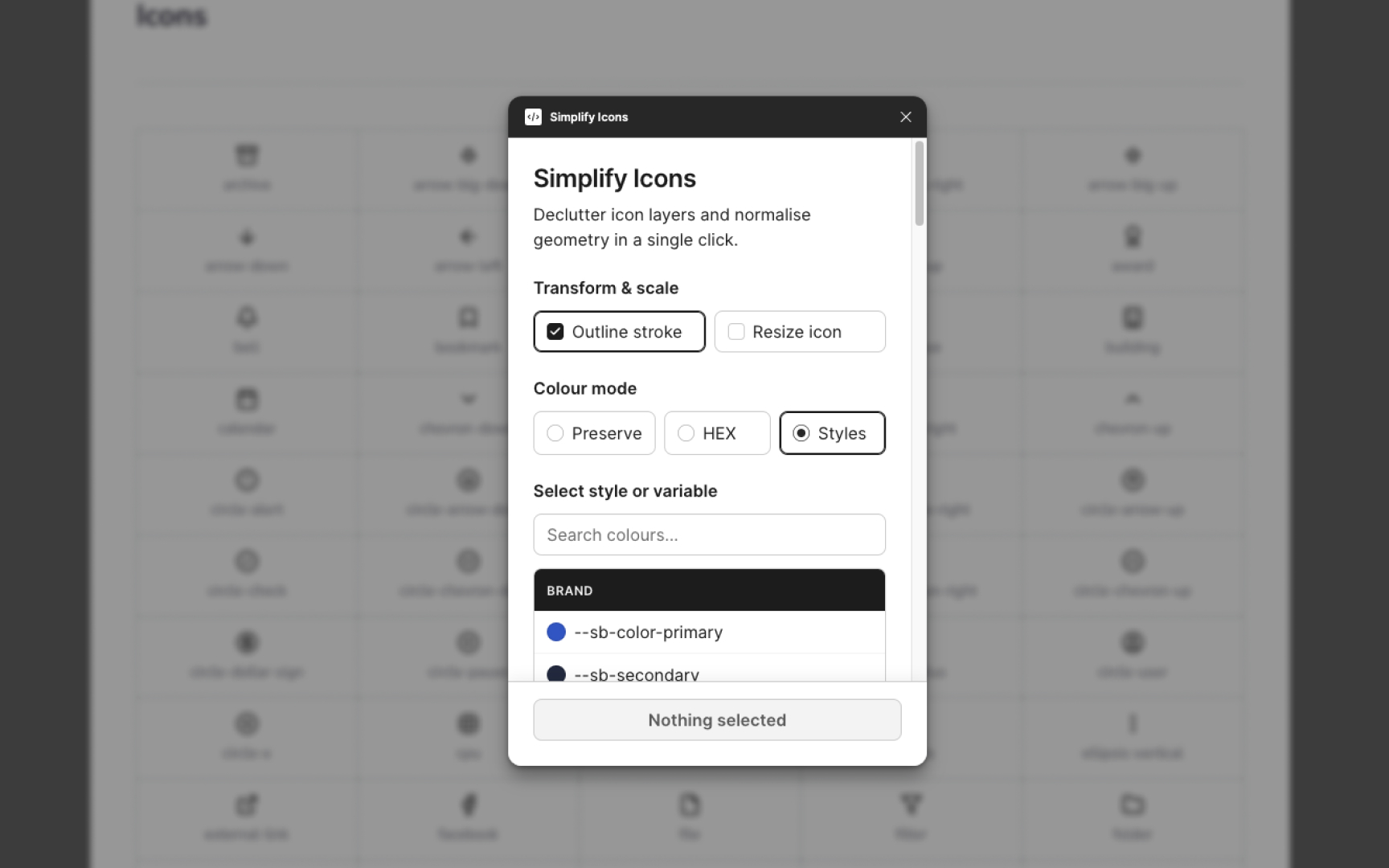
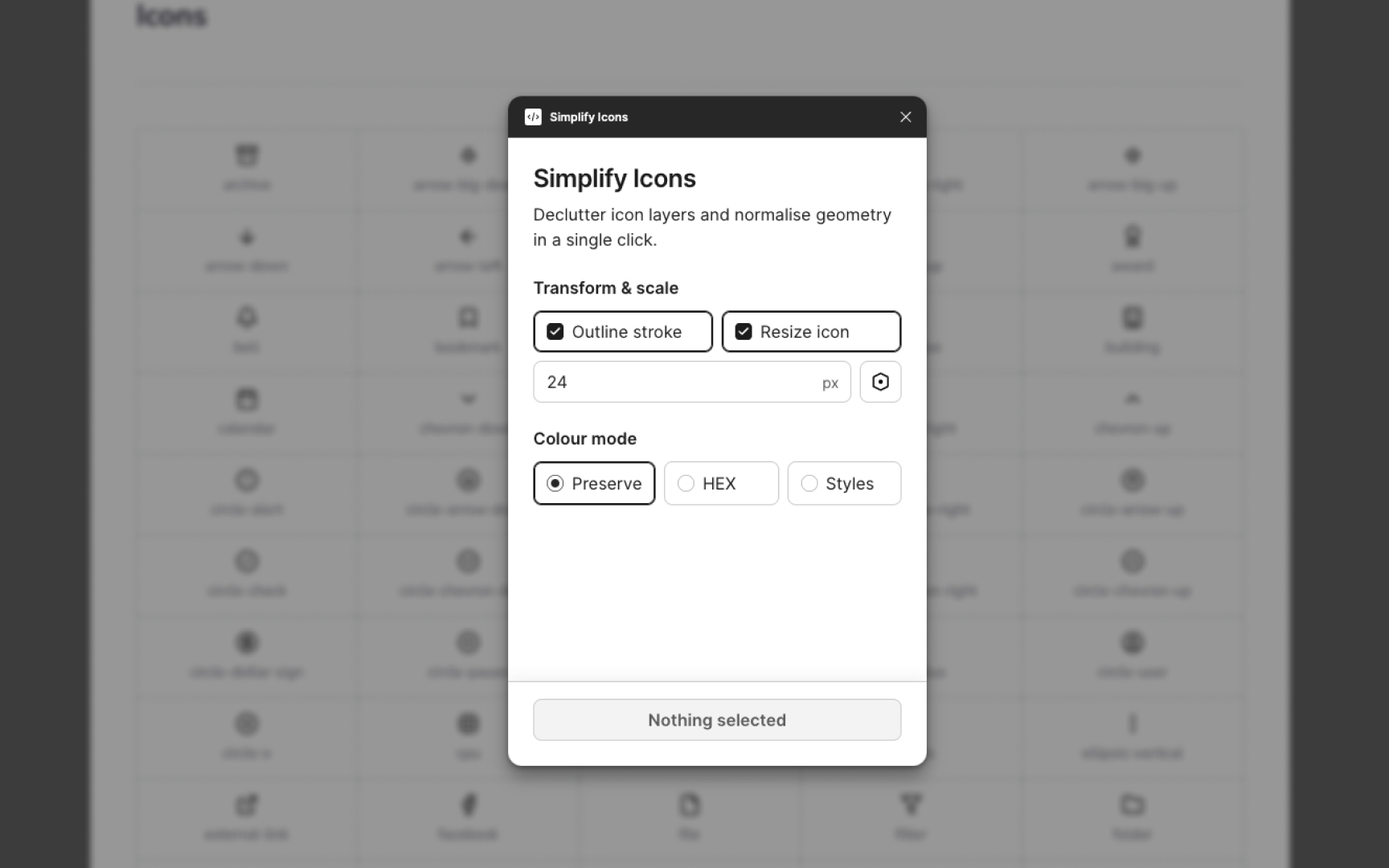
Simplify Icons
Working with large icon libraries gets tedious fast. Messy layer structures, misaligned vectors, and the manual work of binding sizes to variables kept pulling me away from actual design decisions. Simplify Icons came out of that frustration, built to handle the repetitive cleanup so I don't have to.
What I enjoyed about this project was how it came together. Pairing my design system knowledge with AI tooling in the Antigravity IDE let me tackle genuinely complex requirements, things like recursive layer flattening, strict variable scoping, and WCAG-compliant UI, without needing to slow down and context-switch into full engineering mode. What might have taken weeks got done in a fraction of the time. It's become a reliable part of my workflow now, and a reminder that designers who are willing to build their own tools don't have to wait for someone else to solve their problems.